
Edit one thing in a product picture
Edit changes one thing in a picture you already have: the background, a sleeve length, a prop. Say what to change in English, Hindi or Hinglish. The product stays as photographed, and the price shows before you tap.
Updated
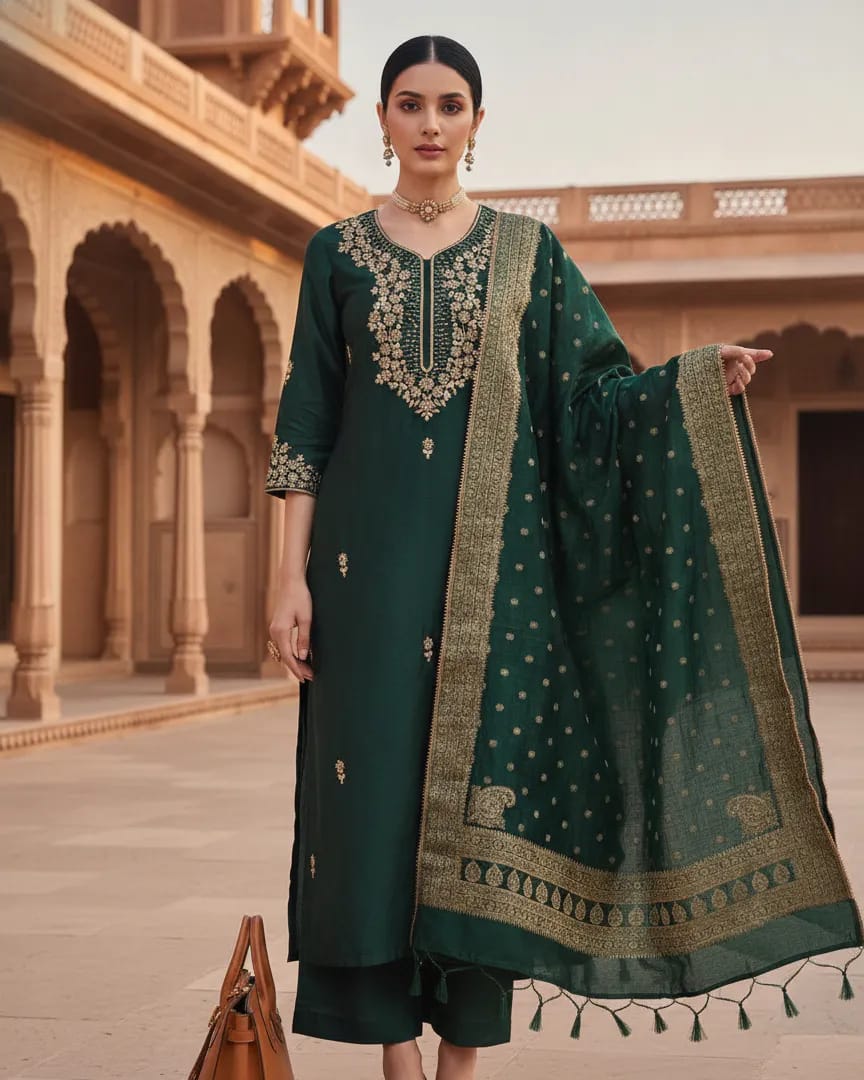
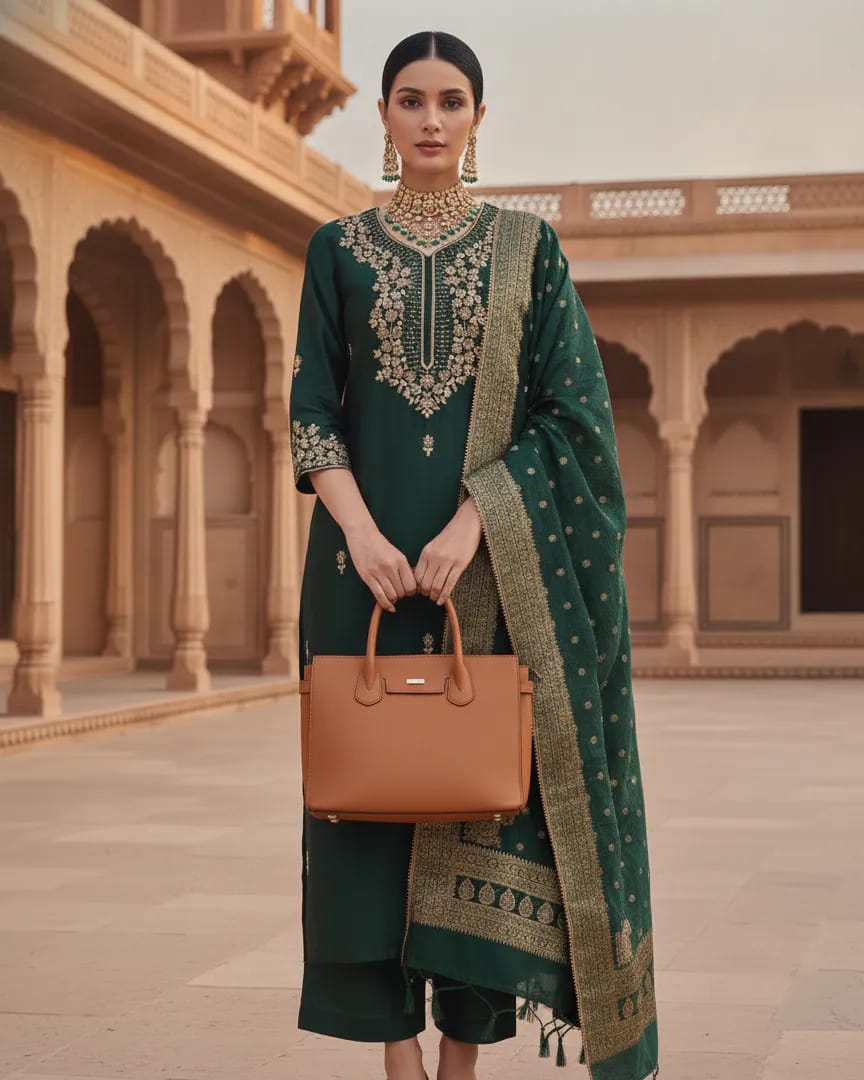
How it works
Open a finished picture
One you made in Groham.
Say what to change
For example "make the background a wooden table".
Get the edit, checked
Compare it with the picture you started from.
Examples by what you sell
What stays exact
The product is read from your photo and compared with it after.
- The product as photographed
- Label text and marks
What it costs
The Run button shows what Edit costs before you start, and a failed run returns the credits.
Used for
Questions about Edit
What can I change?
One thing at a time: the background, a prop, the length of a sleeve. The product itself stays as photographed.
Do I need to write a long prompt?
No. A short sentence in English, Hindi or Hinglish is enough, and follow-ups like "make it red" work.
How much does an edit cost?
It depends on the picture. The exact credits show before you run the edit, and a failed run returns them.
Is the edit checked?
Yes. The result is compared with your product, and a drifted picture is redone free.