
AI model photos from one product photo
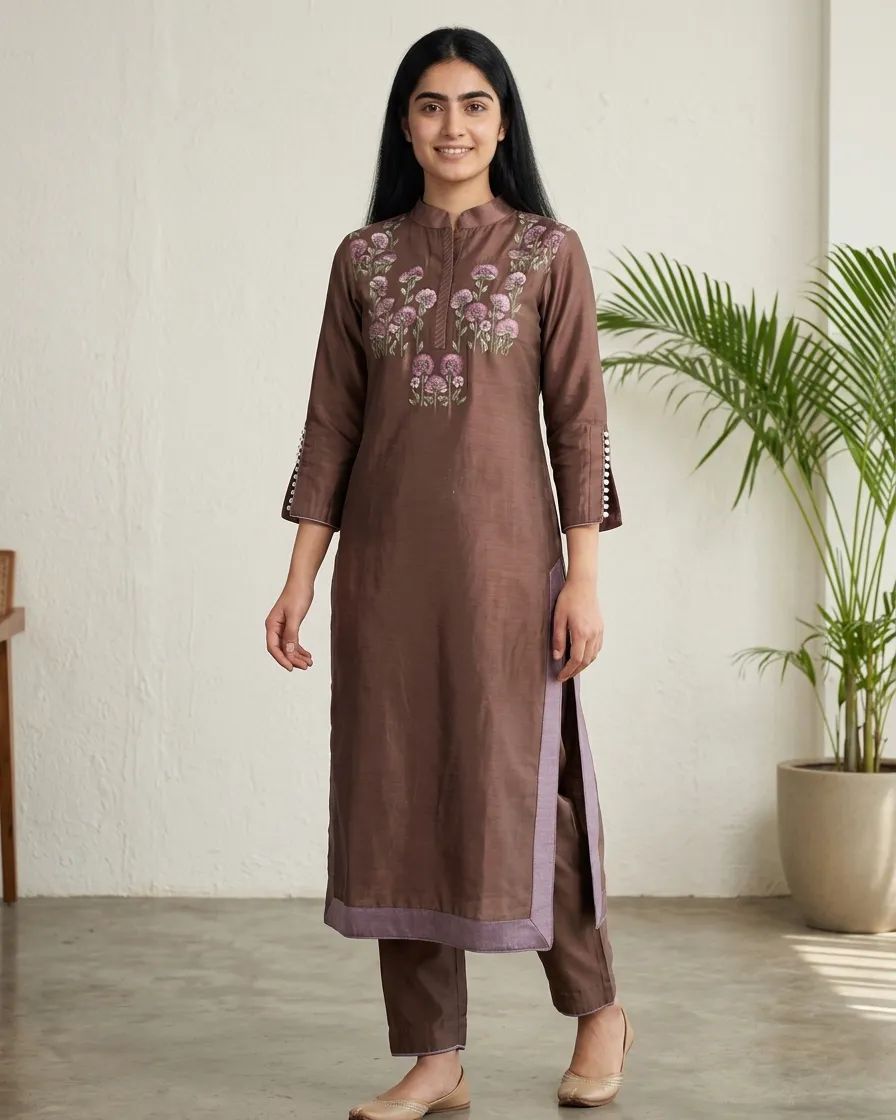
Product to Model puts your garment, jewellery or accessory on an AI model from a single photo. Pick an Indian model and a place, or tap a ready idea. Groham checks the result against your photo for colour, print and border, and redoes it free if anything drifts.
Updated
₹2020 credits, about ₹20, per photo
How it works
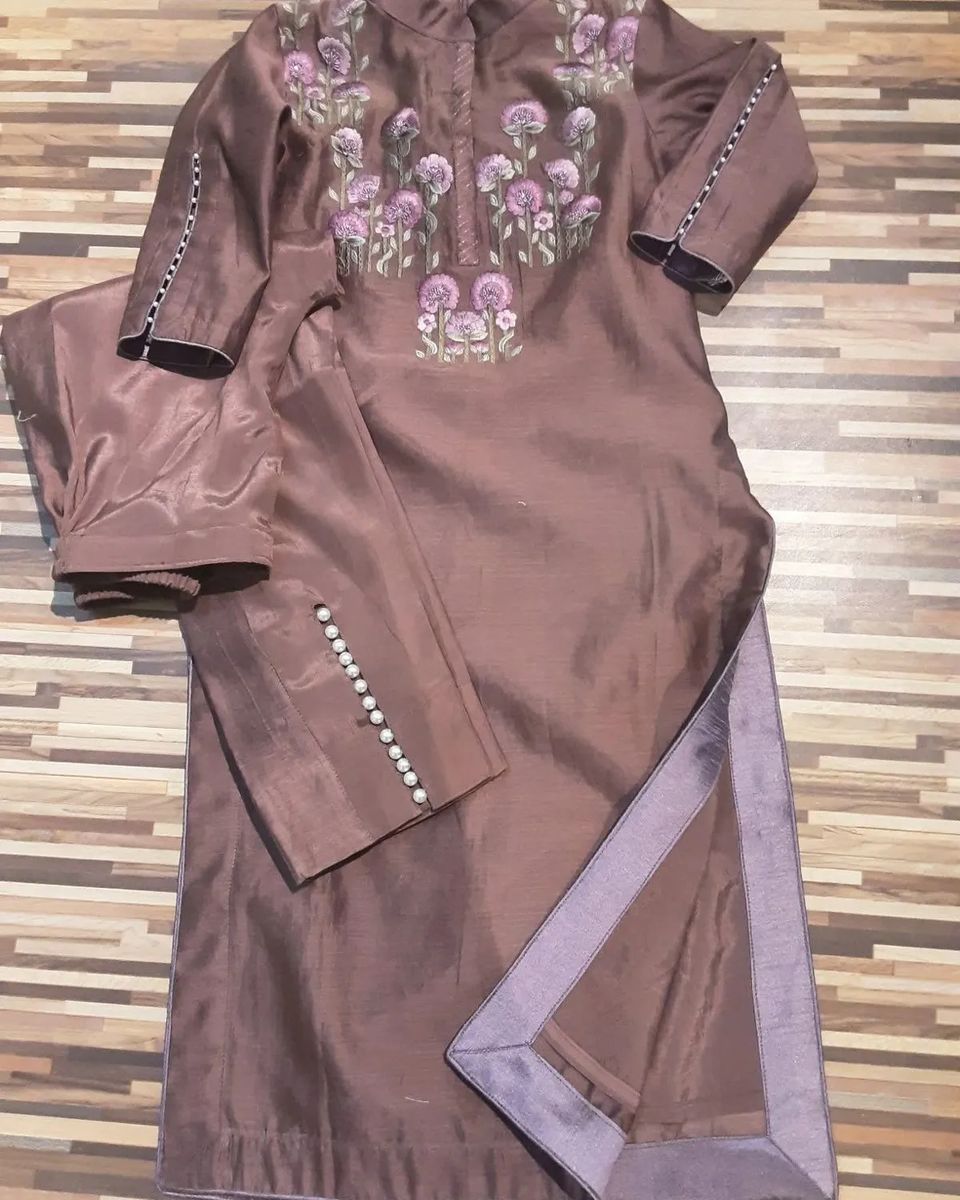
Add a photo of the product
A photo on a bed, a hanger or a table is enough.
Tap an idea, or choose a model and a place
Or tell Groham Agent in English, Hindi or Hinglish.
Get the photo, checked
Compare it with your photo. If anything drifted, the redo is free.
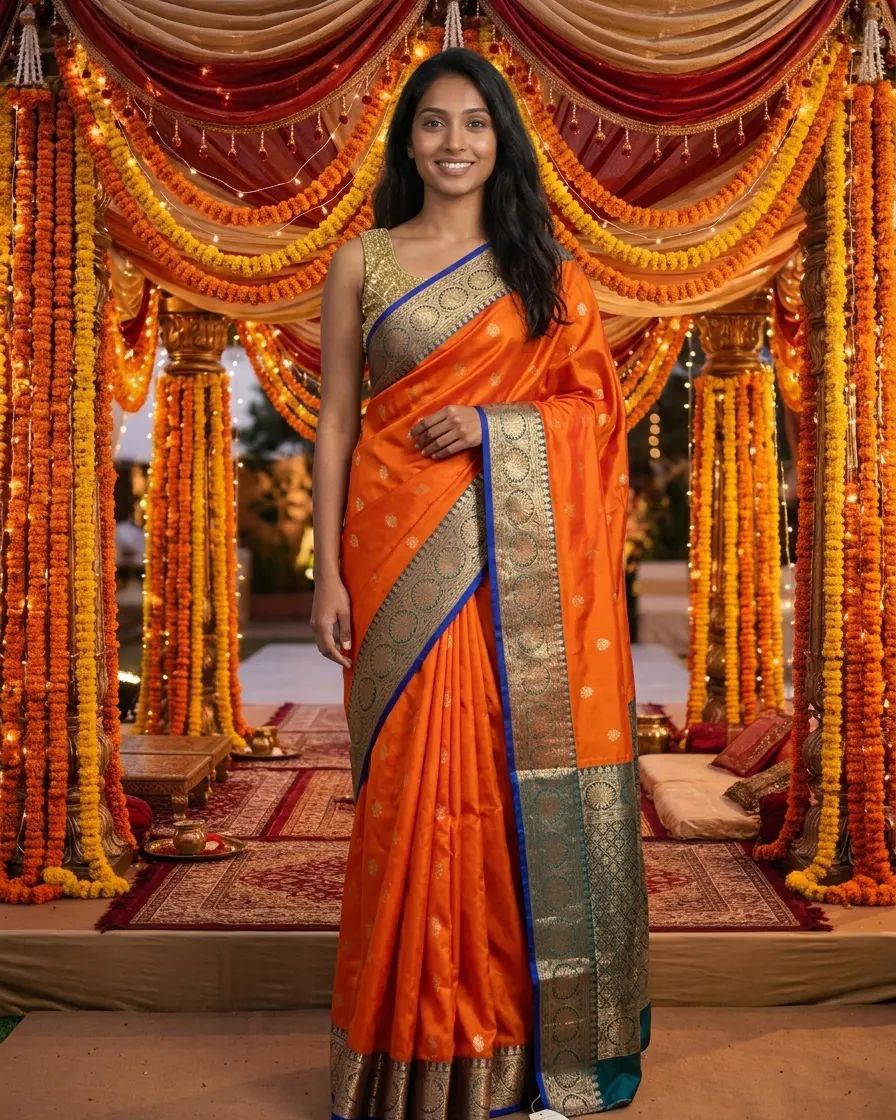
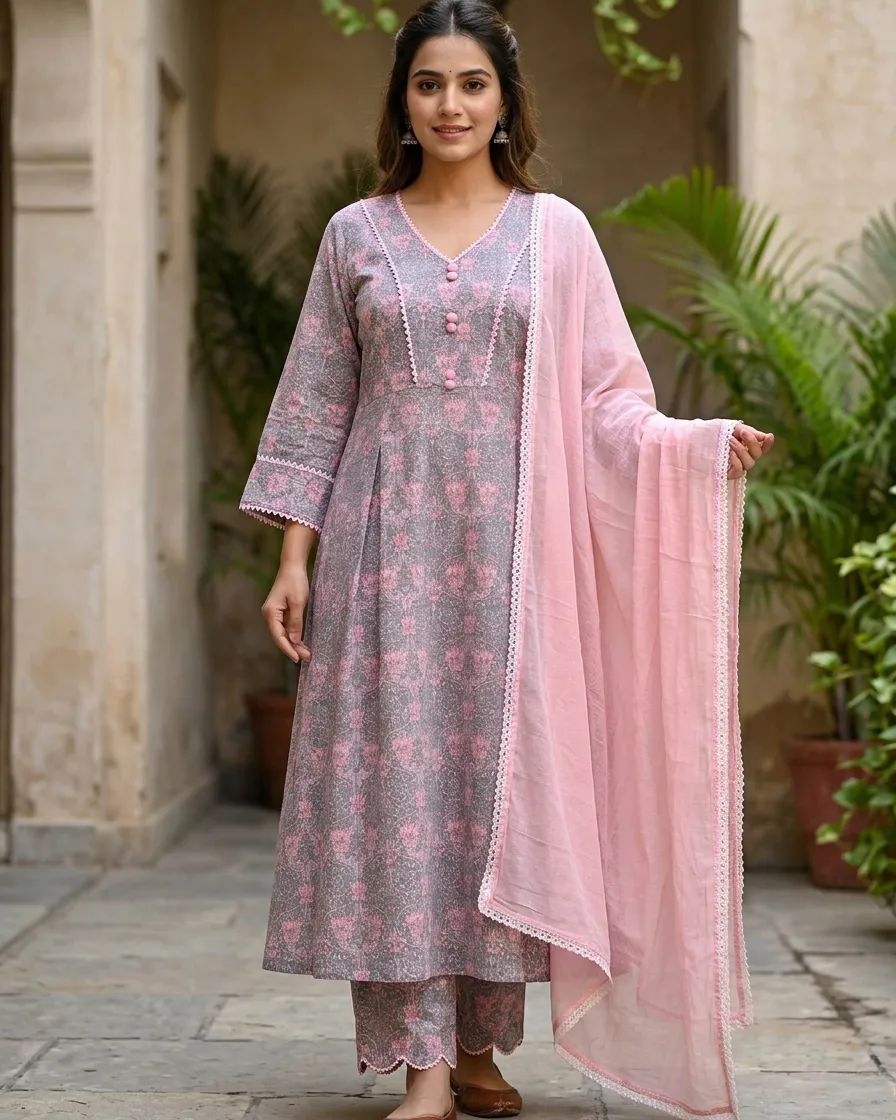
Examples by what you sell
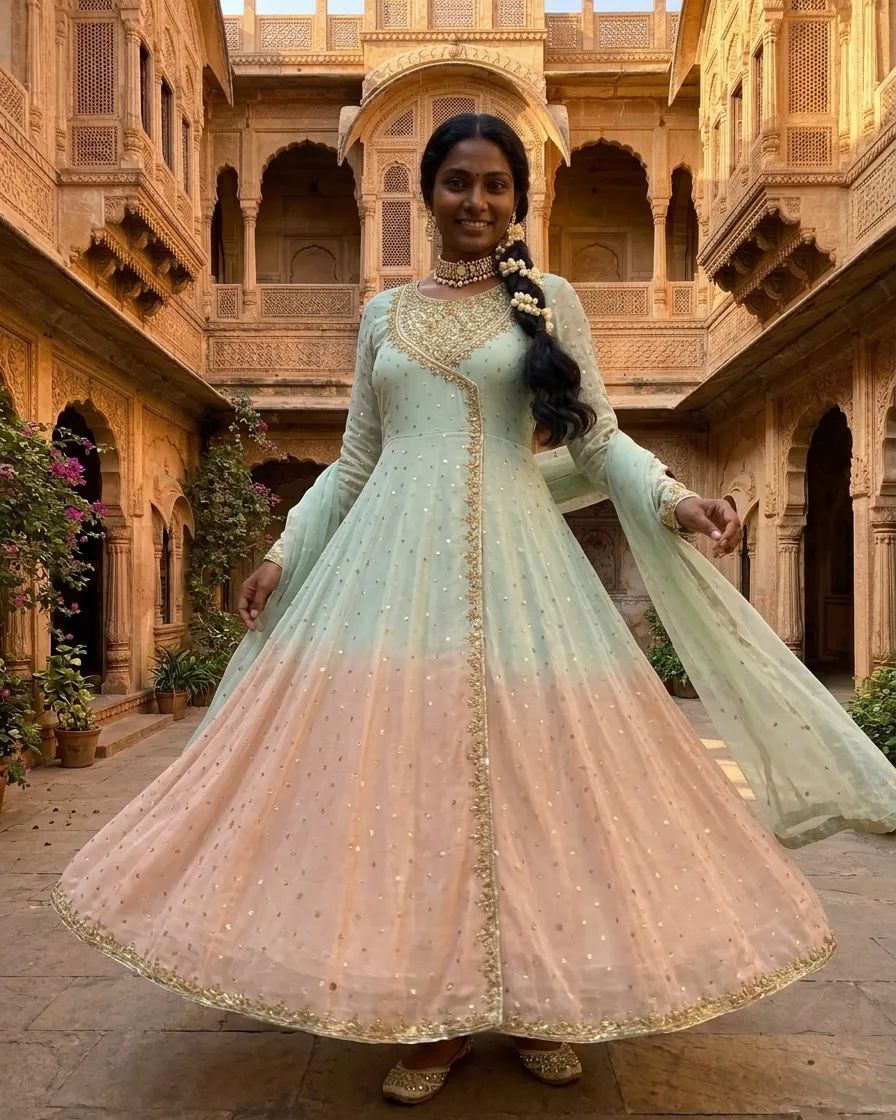
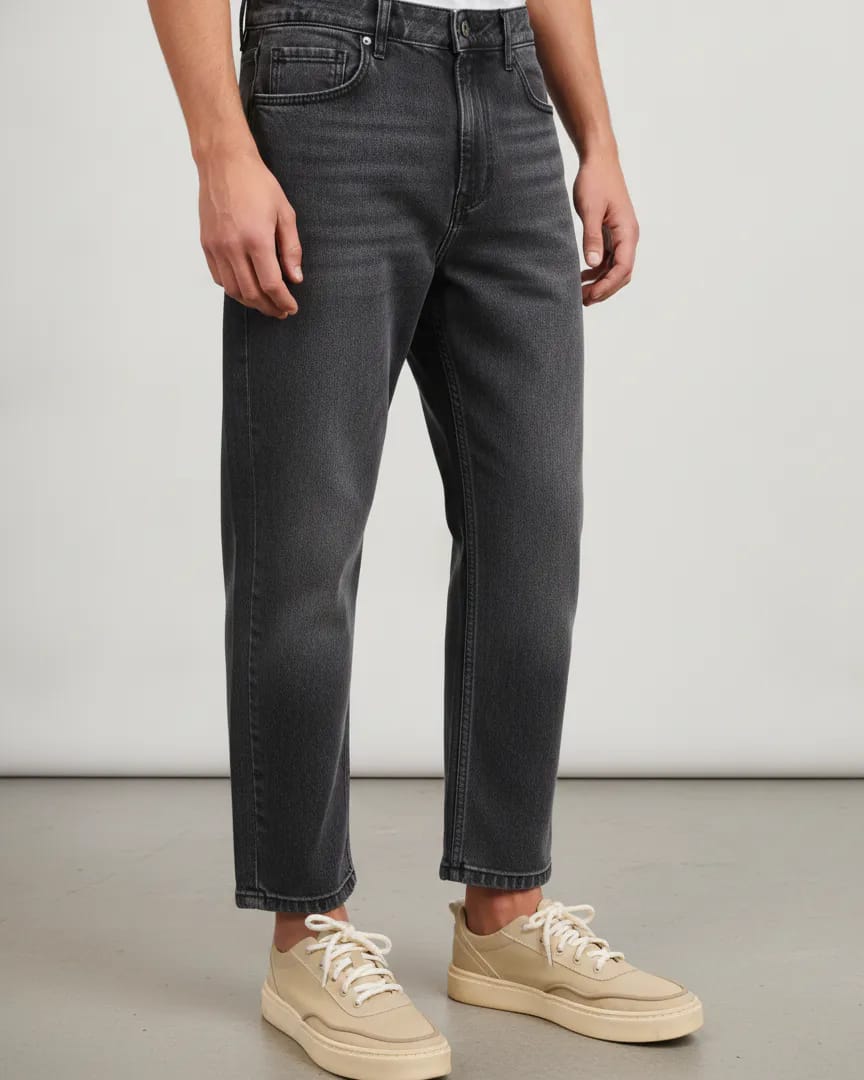
What stays exact
Garment Check: the rules for fashion.
- Colour and shade
- Print and pattern
- Border width, zari and embroidery
- Buttons and neckline
What it costs
20 credits, about ₹20, per photo.
Used for
Questions about Product to Model
Does Product to Model work for sarees, lehengas and dupattas?
Yes. Groham reads the drape, pallu, pleats, border and work from your photo and keeps them. Every picture is compared with your original before you see it.
Are the models real people?
No. They are AI models, from every skin tone, age and size. A Brand Model of a real person needs their recorded consent first.
Can I use one model for my whole range?
Yes. Create one Brand Model and use it across your products, so the whole label has one face.
What photo should I start with?
A clear photo of the product, shot flat and well lit. A back or detail photo helps. Photos with a short side under 384 pixels are refused so quality stays high.