
Model swap: the same outfit on another model
Model Swap puts the same outfit on another model, so your catalogue shows the people your customers are. Pick a model of a different skin tone, age or size, or tap an idea. Groham checks the outfit against your original and redoes a drifted picture free.
Updated
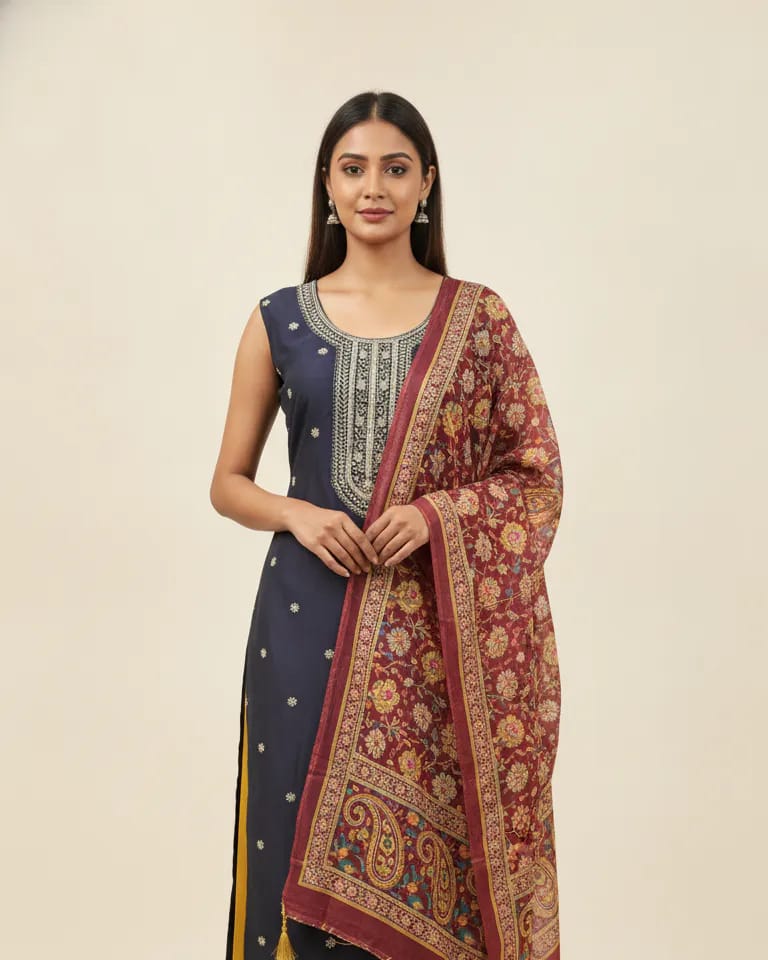
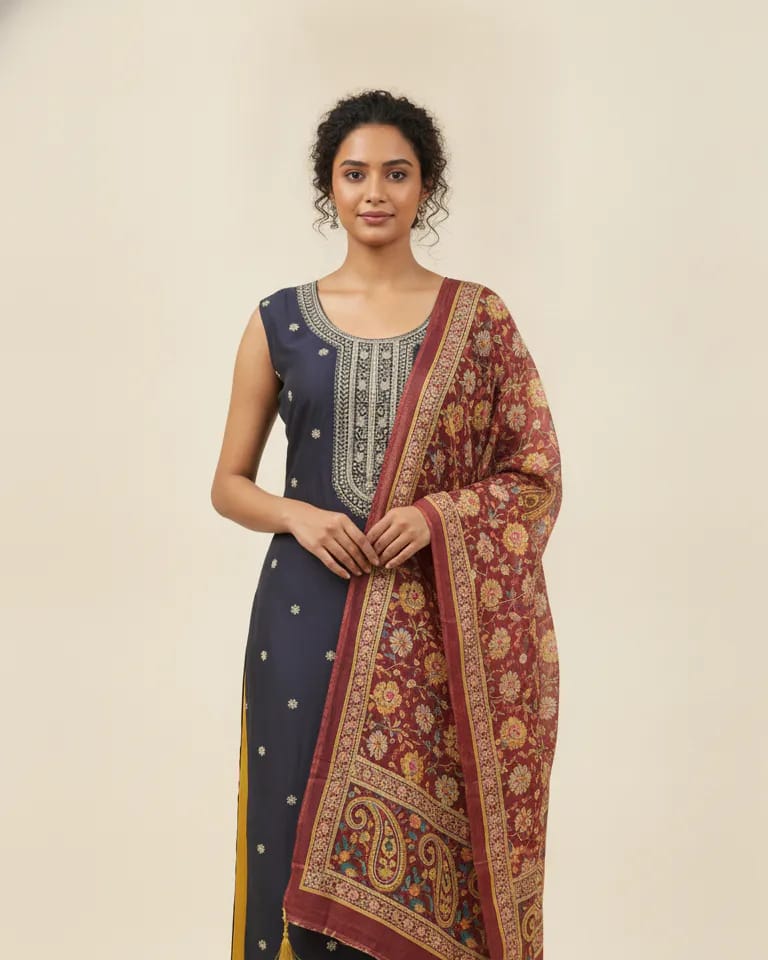
How it works
Pick a picture you made
Start from an outfit on a model.
Choose another model
Every skin tone, age and size is in the library.
Get the swap, checked
The outfit is compared with your original photo.
Examples by what you sell
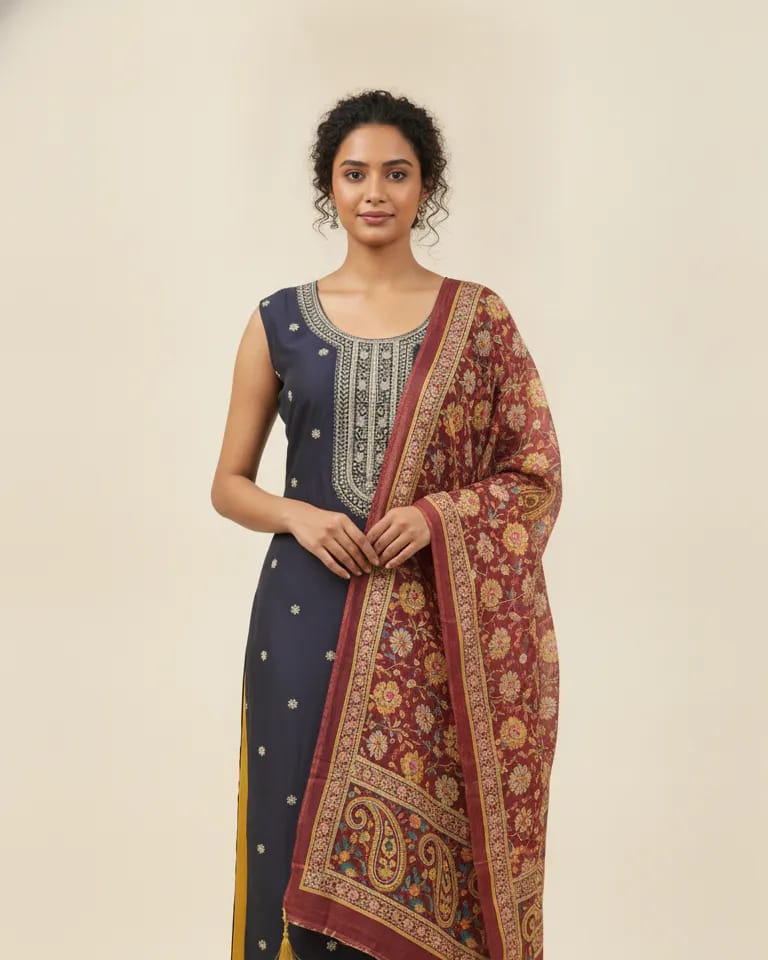
What stays exact
Garment Check: the rules for fashion.
- Colour and shade
- Print and pattern
- Border width, zari and embroidery
- Buttons and neckline
What it costs
The Run button shows what Model Swap costs before you start, and a failed run returns the credits.
Used for
Questions about Model Swap
What changes and what stays?
The model changes. The outfit stays as photographed: colour, print, border and details are checked against your original.
Can I show one outfit on several models?
Yes. Make as many swaps as you like, each one priced before you tap.
Which models can I choose?
AI models of every skin tone, age and size.
Can one face run through my whole label?
Yes, with a Brand Model: one face for your label. A real person becomes a Brand Model only with their recorded, signed consent.